
Disclosure: Thomas Yang contributes to the Apache Doris project and has worked with VeloDB on customer migrations. He's recommending Doris because it solved problems he couldn't solve with other tools, not because of these affiliations.
Last year, we helped an e-commerce team migrate their 80TB analytics workload off PostgreSQL. They'd already assembled three separate systems for dashboards, product search, and recommendation embeddings. Three months in, they were spending more time debugging data sync issues between systems than building features. We consolidated everything into Apache Doris. Not because Doris is perfect, but because running one system beats running three.
Your technical stack should never be more complex than your business can realistically run. Every system you add carries a cost in deployment, monitoring, debugging, on-call rotations, and hiring specialists. The goal is a minimum viable infrastructure for your scale. But first, confirm you actually have a problem worth solving.
How Do You Know You Have a Problem with PostgreSQL?
Scaling issues do not occur overnight; they often slowly creep up over time. As usage grows, teams try to address each issue with the easiest solution available, such as indexes, partitions, denormalized tables, materialized views, read replicas, and sharding tools like Citus. Each step helps, but the system becomes more complex and harder to scale. Eventually, teams realize the real issue: PostgreSQL was built for a single server, not distributed analytics. At the same time, before adding anything, make sure you actually have a problem. Here's what I am looking for:
| Signal | What You Observe | Action Threshold |
|---|---|---|
| Dashboard latency | Queries that returned in 2 seconds now take 20 seconds | >10x slowdown on unchanged queries |
| Query timeouts | Statement timeout or canceling statement due to statement timeout in logs | >5 timeouts per hour on analytics queries |
| Read replica sprawl | Adding replicas specifically for analytics workload | 3+ read replicas dedicated to analytics |
| Sequential scans on large tables | EXPLAIN ANALYZE shows Seq Scan | Sequential scans on tables with >1M rows |
| Replication lag during analytics | Read replica falls behind during heavy query load | Lag >5 seconds during dashboard refresh |
| Constant disk pressure | Storage planning becomes a recurring fire drill as retention grows | Frequent reactive storage expansion |
| Fragile high availability | HA depends on careful setup of replicas, failover tools, and operations | Reliability relies on complex failover orchestration |
Run this on your read replica to check table scan patterns:
SELECT schemaname, relname, seq_scan, seq_tup_read,
       idx_scan, idx_tup_fetch,
       CASE WHEN seq_scan > 0 THEN seq_tup_read / seq_scan
            ELSE 0 END as avg_rows_per_seq_scan
FROM pg_stat_user_tables
WHERE seq_scan > 100 AND seq_tup_read / GREATEST(seq_scan, 1) > 100000 ORDER BY seq_tup_read DESC
LIMIT 10;
If this returns tables with over 100,000 average rows per sequential scan, your analytical queries are doing full table scans that columnar storage would handle 10x faster. If you see these warning signs, your first instinct might be to add more read replicas. That won't help. Here's why.
Why Read Replicas Won't Solve This
Read replicas help with concurrency, not query performance. The core problem is architectural. You're scaling the wrong thing. Here's why OLTP and OLAP databases are fundamentally different.
Row storage vs columnar storage. PostgreSQL stores data row by row, which is optimized for retrieving complete records. When a dashboard query selects 2 columns from a 50-column table, the database still reads the full rows from disk and then discards the unused columns, resulting in far more data being scanned than necessary. Columnar databases store each column separately and read only the columns required by the query, which is far more efficient for analytical workloads. PostgreSQL extensions such as Citus columnar and Mooncake introduce columnar storage to address this limitation, but they operate as extensions on top of the row-oriented engine rather than being the system's default storage model. Columnar layouts also enable higher compression ratios, typically 5–10× compared with roughly 2–3× for row storage, because adjacent values share the same data type.
Row-at-a-time vs vectorized execution. PostgreSQL processes rows one at a time through its executor. Each row passes through expression evaluation, predicate checks, and aggregation individually. Analytical databases use vectorized execution, processing batches of 1,000-4,000 values at once. They use CPU SIMD instructions to evaluate expressions on entire columns in a single operation. For a query scanning 10 million rows, vectorized execution can be 10-50x faster than row-at-a-time processing.
Single-node planning vs distributed planning. PostgreSQL's query planner optimizes for a single machine. One query runs on one replica. You can't parallelize a single analytical query across multiple read replicas. Adding replicas lets you run more queries concurrently, but each individual query runs no faster. Analytical databases use distributed query planners that partition work across nodes. A query scanning 1TB runs across 10 nodes simultaneously. Each handles 100GB, then results merge at the coordinator. The query finishes 10x faster, not just runs alongside more queries.
| Aspect | PostgreSQL (OLTP) | Analytical Database (OLAP) |
|---|---|---|
| Storage layout | Row-oriented | Supercharged columnar storage, with row-store support available for point-query scenarios |
| Column selectivity | Reads all columns | Reads only queried columns |
| Execution model | Row-at-a-time | Vectorized (batch processing) |
| Query planning | Single-node optimizer | Distributed query planner |
| Parallelism | Limited (single query on single node) | Full (one query across many nodes) |
| Compression ratio | 2-3x | 5-10x |
| Scaling approach | Add replicas for concurrency | Add nodes for query performance |
No amount of read replicas will close this gap. You need an analytical database.
But here's the mistake I see teams make. They pick an analytical database based on benchmarks alone, then discover the new system can't do things PostgreSQL did out of the box. Before you pick a replacement, understand what you're actually getting from PostgreSQL today.
The PostgreSQL Features You Don't Know You Depend On
You think of PostgreSQL as your OLTP database. But you're also using it for real-time analytics without realizing it.
The database world has two well-known extremes:
- OLTP: High-concurrency transactions, row-level operations, sub-millisecond latency
- Batch analytics: Large-scale transformations, latency measured in minutes or hours, high throughput
Between them sits real-time analytics, which means sub-second queries on fresh data with immediate availability.
PostgreSQL sits between OLTP and real-time analytics. Because you categorize it as "OLTP," you don't notice the real-time analytics features you depend on:
Sub-second freshness. Your read replica is typically less than 1 second behind the primary. Your dashboards show current data, not data from 10 minutes ago.
Real-time updates. When an order status changes from "pending" to "shipped," you run UPDATE orders SET status = 'shipped'. The change appears in analytics instantly. No batch job, no waiting for the next ETL window.
Light ETL with transactions. You run INSERT INTO summary_table SELECT ... FROM orders GROUP BY ... and it either fully succeeds or fully fails. Partial writes never corrupt your aggregates.
Multi-table joins. Your BI queries join orders, customers, products, and shipments in a single query. The query planner handles it. You don't think about whether joins are supported.
Full-text search. tsvector and tsquery let you search log messages, product descriptions, and user comments. No separate search cluster needed.
Vector search. With pgvector, you run semantic search and AI-powered features. Embeddings live alongside your relational data. No separate vector database.
That's six capabilities you probably take for granted. We've talked to teams who didn't realize how much they depended on real-time updates until after migration. One retail team's inventory dashboard broke because their new analytical database didn't support UPDATE. They had to rebuild the entire data pipeline to delete and re-insert rows. A two-week migration turned into two months.
Most analytical databases sacrifice at least one of these features. That's fine if you know which ones you need. It's painful if you find out after migration.
What Other Systems Offer (And Lack)
Batch warehouses (Snowflake, Databricks, BigQuery):
- Strengths: Excellent for large-scale historical analysis, complex transformations, mature ecosystems with extensive tooling
- Transactions: Yes
- Real-time updates: Limited. Data freshness is measured in minutes to hours.
- Built-in text search: No. Requires a separate search system.
- Built-in vector search: Limited or no.
- Best for: Teams that can tolerate latency and want managed simplicity
Real-time analytics databases (ClickHouse, Druid, Pinot):
- Strengths: Exceptional query speed on append-only workloads, proven at companies like Uber and Cloudflare processing billions of events daily
- Fast queries: Yes
- Transactions: No or limited
- Real-time updates: Limited. Append-only or restricted UPDATE/DELETE.
- Multi-table joins: Weak. Optimized for denormalized single-table queries.
- Built-in text search: Limited or no
- Built-in vector search: No
- Best for: Append-only analytics where you never update records
You need sub-second data freshness and real-time upserts. This rules out batch warehouses alone. You need transactions and strong joins. This rules out most real-time databases on their own. That leaves you two paths. You can combine a real-time analytics database with a batch warehouse, or you can choose a full-featured real-time analytics database that supports all six features. Apache Doris takes the second path.
Why Use Apache Doris
Stories like the above are why we focus on preserving the PostgreSQL features teams actually depend on. With Apache Doris, I don't have to say "well, you'll lose X but gain Y."
Here's what Apache Doris offers that are comparable to the PostgreSQL features teams rely on:
| PostgreSQL Feature | How Apache Doris Handles It |
|---|---|
| Sub-second freshness | Data is queryable within seconds of being written. No waiting for batch ETL windows. |
| Real-time updates | Unique Key model. UPDATE and DELETE work like you'd expect. Changes visible in seconds. |
| Light ETL with transactions | ACID support. INSERT INTO SELECT either fully succeeds or fully fails. |
| Multi-table joins | Cost-based optimizer. We've run all 99 TPC-DS queries without issues. |
| Full-text search | Built-in inverted indexes with BM25 ranking. No separate search system needed. |
| Vector search | Built-in vector indexes. Semantic search without a separate vector database. |
For that e-commerce team we mentioned before, switching to Apache Doris meant retiring three separate systems. Each removed system was one less thing to monitor, one less integration to debug at 2 am, one less vendor to negotiate with.
Beyond feature parity, Apache Doris also solves several operational challenges that appear as PostgreSQL analytics workloads grow. Many tasks that require careful manual planning in PostgreSQL, such as partitioning, sharding, storage layout, and high availability, are built into Doris by design. The table below highlights some areas where Doris goes further.
| Where Doris Go Further | What It Means in Practice |
|---|---|
| Columnar storage engine | Columnar storage optimized for analytics, with row-store support for point queries |
| Automatic partitioning | Time-based data is partitioned automatically without manual planning |
| Automatic sharding | Data distributes across nodes without external sharding tools |
| Flexible storage tiers | Supports both HDD and SSD deployment strategies and decoupled storage-compute architecture. |
| Hot and cold data tiering | Automatically moves data between storage tiers |
| Built-in distributed HA | High availability is native to the distributed architecture |
| Cattle-style operations | Servers are interchangeable, reducing manual maintenance |
Of course, Apache Doris also has limitations:
- Operational complexity: It's a distributed system. If your team hasn't run distributed databases before, expect a learning curve. We spent a week understanding compaction tuning on our first production deployment.
When Apache Doris might not be the right choice:
- Managed-only requirement: If you can't operate a distributed database, Snowflake or BigQuery trade cost for operational simplicity. VeloDB Cloud also offers managed Apache Doris, if you want real-time performance without the operational burden.
- Existing investment: If you already run Snowflake or Databricks and can tolerate 15-minute data latency, adding another system may not justify the migration cost. But if your business needs sub-second freshness, the latency gap makes migration worth considering.
- Small data volumes: Under 1TB, PostgreSQL read replicas are probably fine. Don't add complexity you don't need.
A note on benchmarks
You can find published TPC-H comparisons, but I'd encourage you to run your own tests. Every vendor's benchmarks make their product look good.
What matters for PostgreSQL users: Apache Doris handles the join-heavy, multi-table queries that PostgreSQL users actually run. On the TPC-DS benchmark (99 complex analytical queries), we've run all 99 without issues. These are the kinds of queries that stress analytical databases because they require strong join performance, not just fast scans.
But benchmarks are synthetic. We've seen 10x performance differences between benchmark results and real workloads because of data distribution, query patterns, and configuration. Test against your own data.
If the features match your requirements, here's how to set up the migration.
Migration Architecture
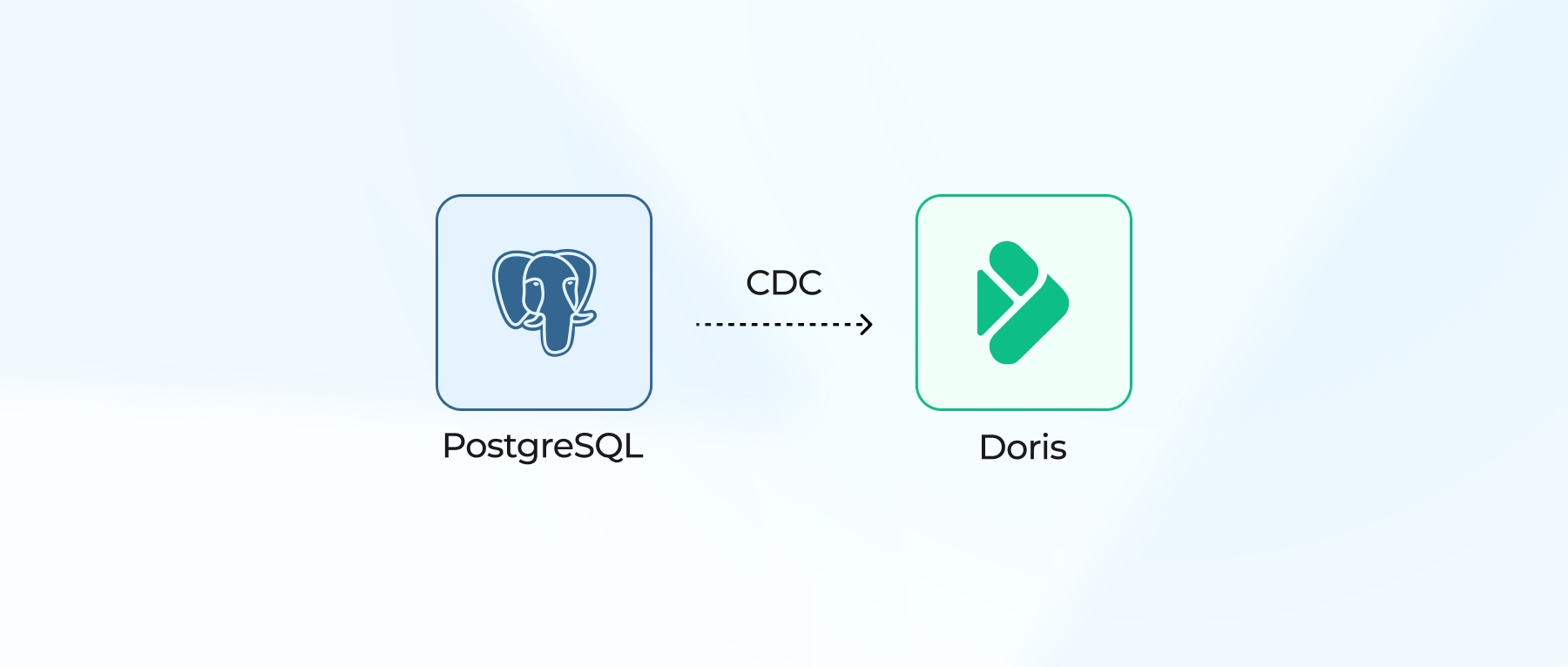
The cleanest architecture: PostgreSQL handles OLTP, and the analytical database handles analytics.
  +---------------------+                  +---------------------+
  |        PostgreSQL          | CDC        |             Doris                |
  |           (OLTP)               | ----->    |          (Analytics)         |
  +---------------------+                  +---------------------+
                |                                                        |
        Transactions                                    Dashboards
        User requests                                  Reports
        Write path                                        BI queries
                                                                 Text search
                                                                 Vector search
Data flow options
| Method | Complexity | Latency | Use When |
|---|---|---|---|
| Doris built-in CDC (Flink CDC connector) | Low | Seconds | Starting out, want simplicity |
| Kafka + Doris Routine Load | Medium | Seconds | Already have Kafka infrastructure |
| Flink CDC to Doris | Medium | Seconds | Need transformation during ingestion |
| Batch export/import | Low | Minutes-hours | Non-critical analytics, cost-sensitive |
For most PostgreSQL users, the Flink CDC connector to Apache Doris provides the simplest path. Changes stream from PostgreSQL's WAL directly into Doris tables.
Once you have data flowing, how does your architecture evolve as data grows?
Scaling path
Under 10 TB: PostgreSQL only (1 system)
Read replicas handle analytical load. No additional systems needed. Don't add complexity until you observe the warning signs.
10 TB to 1 PB: PostgreSQL + Apache Doris (2 systems)
PostgreSQL for OLTP. Apache Doris for all analytics, including dashboards, ad-hoc queries, text search, vector search, and light ETL. Two systems handle everything.
Over 1 PB: PostgreSQL + Apache Doris + batch layer (3 systems)
At this scale, workloads naturally split:
- Apache Doris: Real-time analytics, dashboards, user-facing queries requiring sub-second latency
- Spark/Snowflake/Databricks: Heavy batch ETL, large-scale transformations, historical reprocessing
Doris remains your real-time analytics layer. Batch computing moves to a dedicated system. You now have three systems, but each earns its place. You added complexity only when the workload demanded it.
Next Step
Run the diagnostic query on your read replica. If you see sequential scans on tables over 1M rows, you have a problem worth solving.
If you need real-time updates, strong joins, text search, and vector search in one system, try Doris quickstart with your actual workload. Benchmarks tell you what's possible. Your data tells you what's real.
Join the Apache Doris community on Slack and connect with Doris experts and users. For a fully-managed, cloud-native version of Apache Doris, contact the VeloDB team.